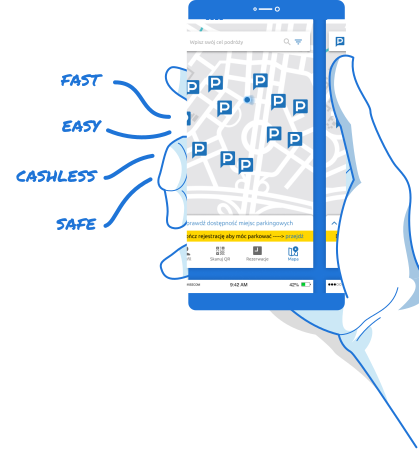

Park and Ride Wrocław – Maślicka 169 – ShareP parking
- Location
- Maślicka 169
- Opening hours
- Open 24 hours a day
- Directions
- Open in Google Maps
 Go to list of parkings
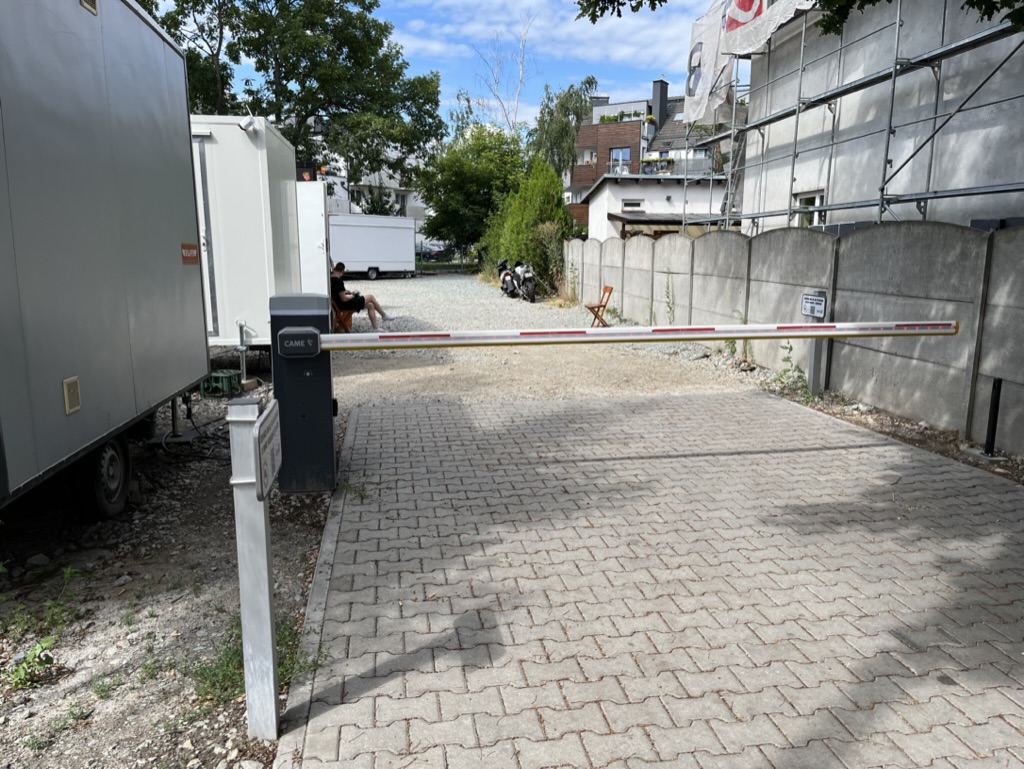
Park and Ride car park in Wrocław on the side of the Tarczynski Arena stadium. Maślice car park with food-trucks and a parcel machine.
Surface parking for external drivers at a great price with the possibility to buy subscriptions.
Low parking fees, cheaper than on-street parking in Wroclaw. Entry and exit via barrier with ShareP app. Possibility to reserve a parking space.
Close to public transport.
With the Share.P system you can:

Control the station from the app - without RFID cards!

Earn extra income from charging.
Price list for Park and Ride Wrocław close to the Tarczynski Arena stadium.

Hourly fees
1h – from 3,00 PLN
PLN 3.00 for each additional hour of parking; Accurate prices in the app.

Subscriptions
Parking subscriptions available.
Subscriptions available in the ShareP app

EV charging stations
The facility does not yet have an electric car charging station.

Additional rules
Entry by ShareP app
Catering facilities available in the car park
Questions drivers ask
My reserved space is taken. What now?
Do not go looking for another car park. A reserved space is held for you for the whole time you booked, and if somebody has parked in it without booking, that is ours to put right. Call us from the car park and we will sort it out while you wait. +41 44 505 44 50
The gate does not open.
Open the gate from the ShareP app or from the link in your booking confirmation. If you booked with a number plate, check that it matches the car you are in, including the country letters. If the gate still does not move, call us from the gate and we will open it for you. +41 44 505 44 50
Can I arrive earlier or leave later than I booked?
Your space is held from the start of your booking to its end, not before and not after. If you will need longer, extend the booking before it ends, in the ShareP app or from the link in your confirmation. Time outside the booking is not guaranteed a space.
How is the price worked out?
You pay for the periods shown in the price tiles on this page, from the first period onwards. The booking screen shows the exact total for your dates before you pay, and that is the amount you are charged.
How do I cancel a booking?
From the link in your booking confirmation or in the ShareP app. The conditions that apply to your booking are shown on it before you pay.